alpa
July 8, 2026, 1:45am
1
Production
14.1.0
Hi all
I love the app, but I cannot for the life of me get Smart Fades to work as intended.
My issue with Smart Fades is that while the Fades works great, a few seconds after there is a noticeable “hitch” or “pause”
This happens both on my fiio m21 and iBasso DX260.
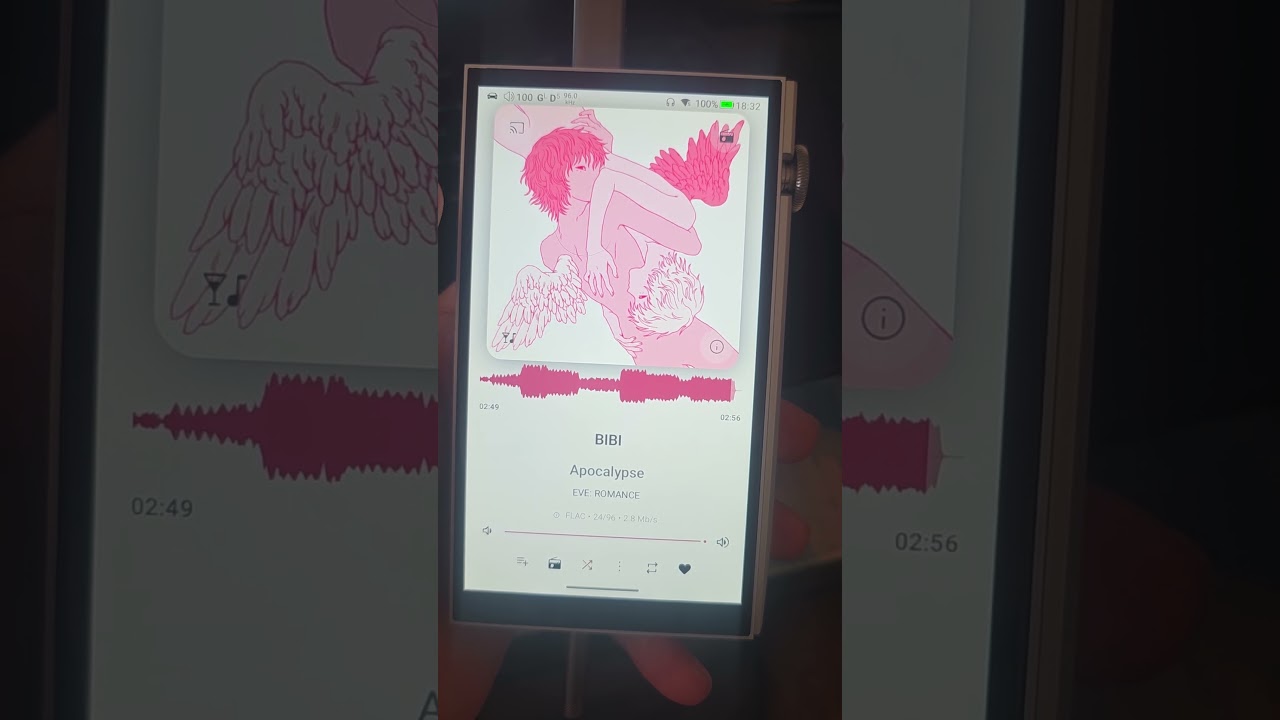
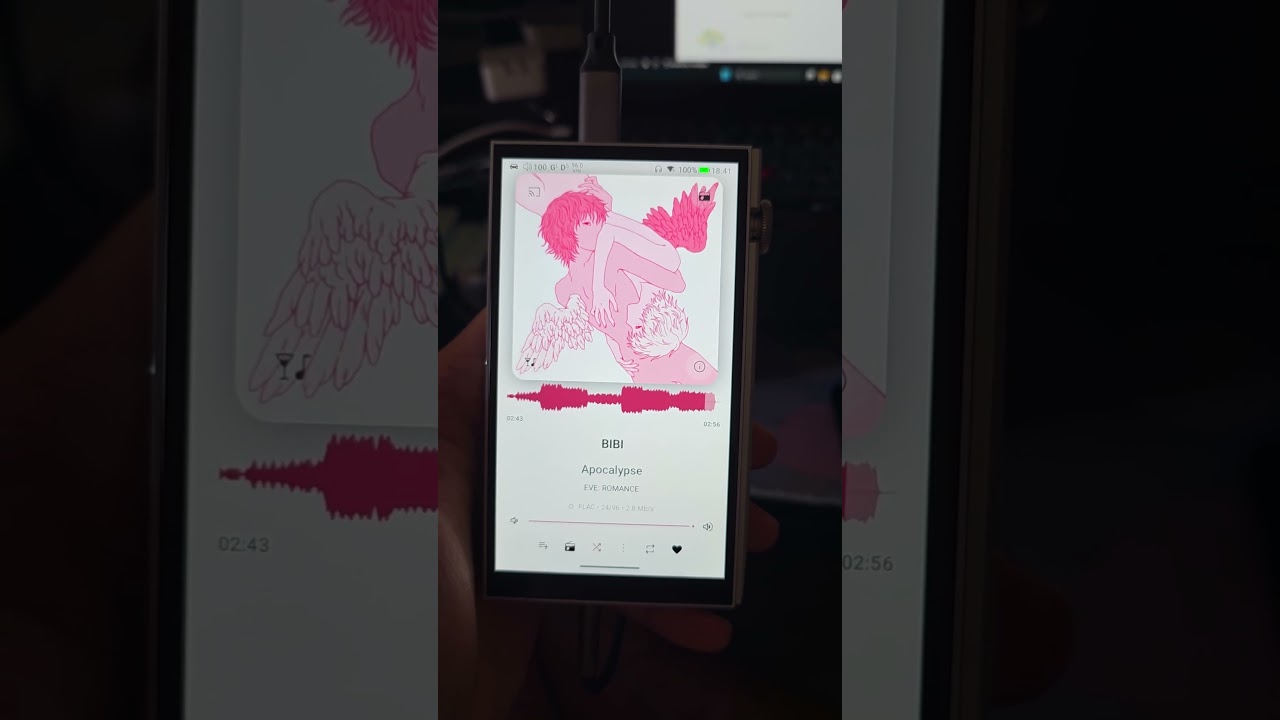
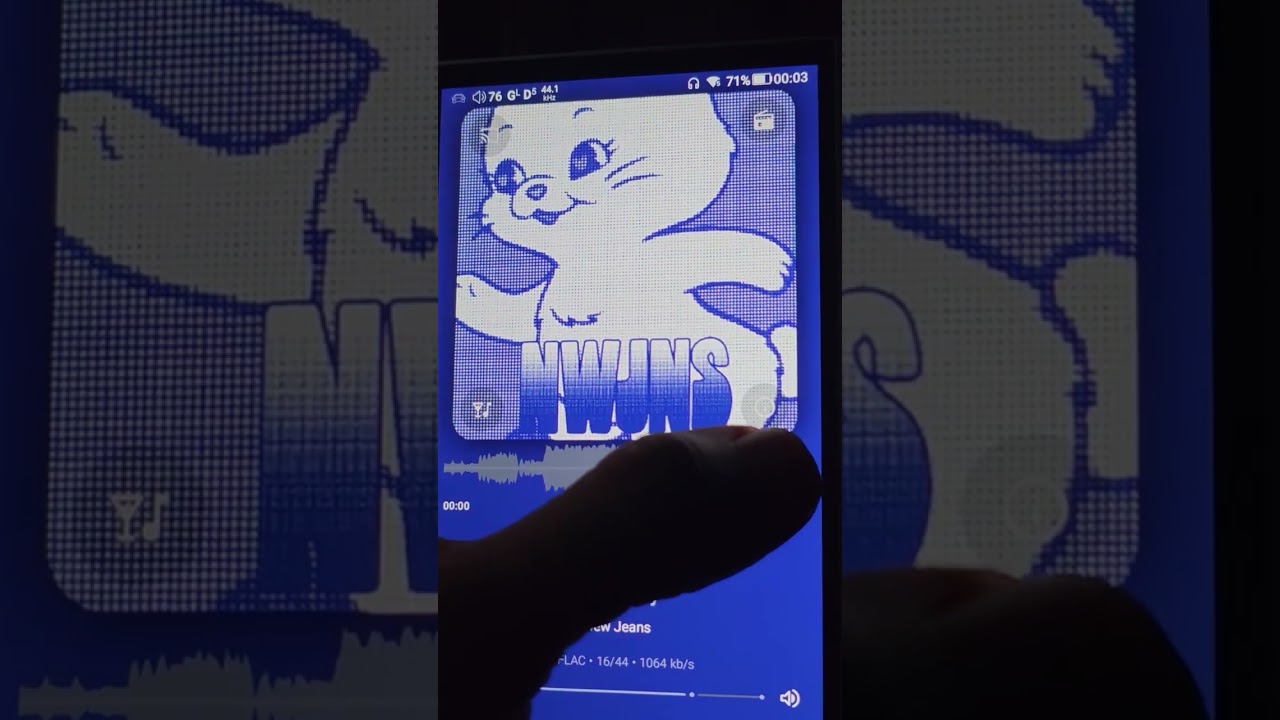
Here’s twos video showing the bug:
Phone
Local device
Make sure Smart fades is enabled
Ensure waveform on both songs
Once the fade happens wait a few seconds
on
on
alpa
Can you try to disable the system equalizer in the settings to remove that probable cause ?
alpa
July 8, 2026, 6:31am
3
Okay correct me if im wrong.
I went to playback > Equalizer DSP > and DISABLED “Enable system equalizer”
But it didn’t fix it.
I also tried it with a different song to see if the music file was the issue.
I submitted a new debug log named alpa2
Can you check if it works when the 2 tracks have the same sample rate ?
Also it seems the option is still actually active. Try to stop playback and eventually force kill the app to be sure it’s disabled.
alpa
July 8, 2026, 7:10am
5
Omg that did it!!
I submitted a log but the video speaks for itself. Seems like you have different Sample Rate on your songs. It borks sweet fades.
Unfortunately my songs are all over the place so I’ll just leave it off
That’s something the DAP do on sample rate change on the next track, check if there’s setting on the device that you can disable. The m21 have a an all to DSD option that probably workaround that too.
Last beta version Symfonium Phone Beta now have a setting to enable fixed resampling to workaround those devices crossfade issues.