Hi guys,
Upload description: Deleting files
Local device
Tolriq
October 23, 2025, 7:01am
2
No logs despite all the messages
You are right, it is not long pressing. Just a simple tab.
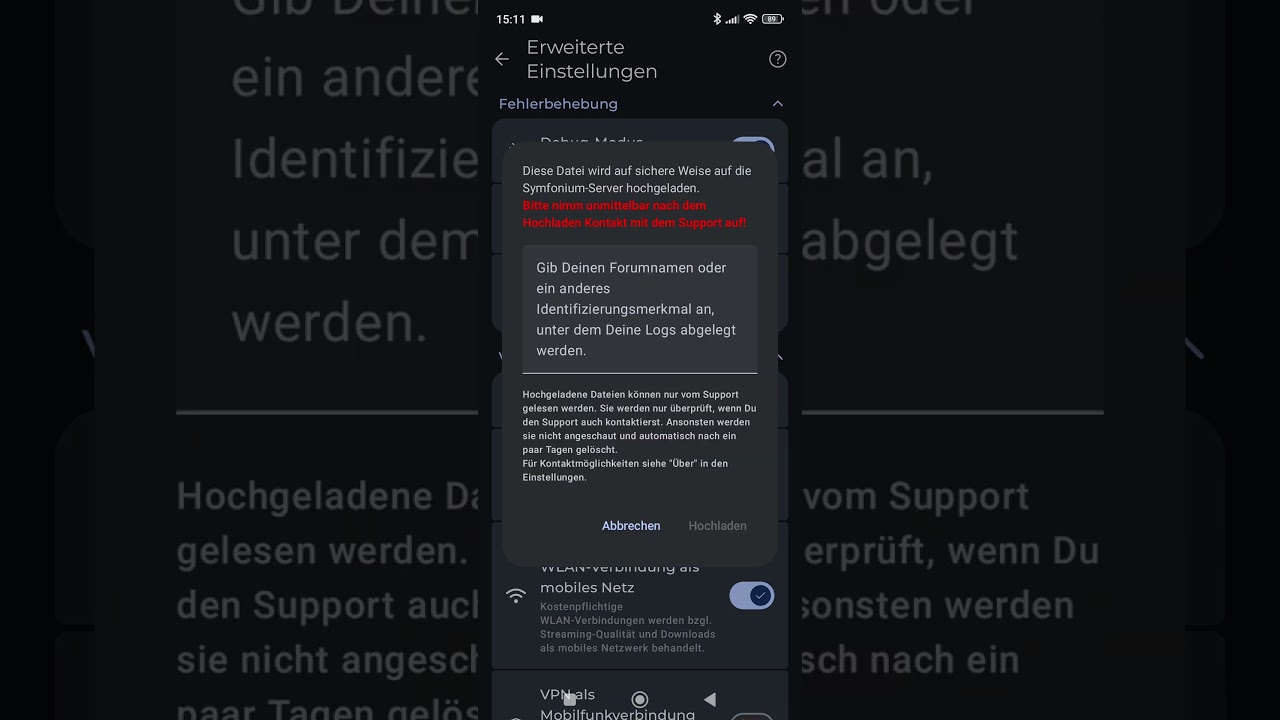
A log file was uploaded via the App.
Will do it again.
Tolriq
October 23, 2025, 7:32am
4
Ok thanks was able to reproduce, will be fixed.
Sirjack
November 22, 2025, 8:14am
5
Hi, was this ‘issue’ fixed with the latest Updates? Maybe i have to change a setting in the App?
Tolriq
November 22, 2025, 8:58am
6
It should be, provide new logs and more details.
Sirjack
November 22, 2025, 11:38am
7
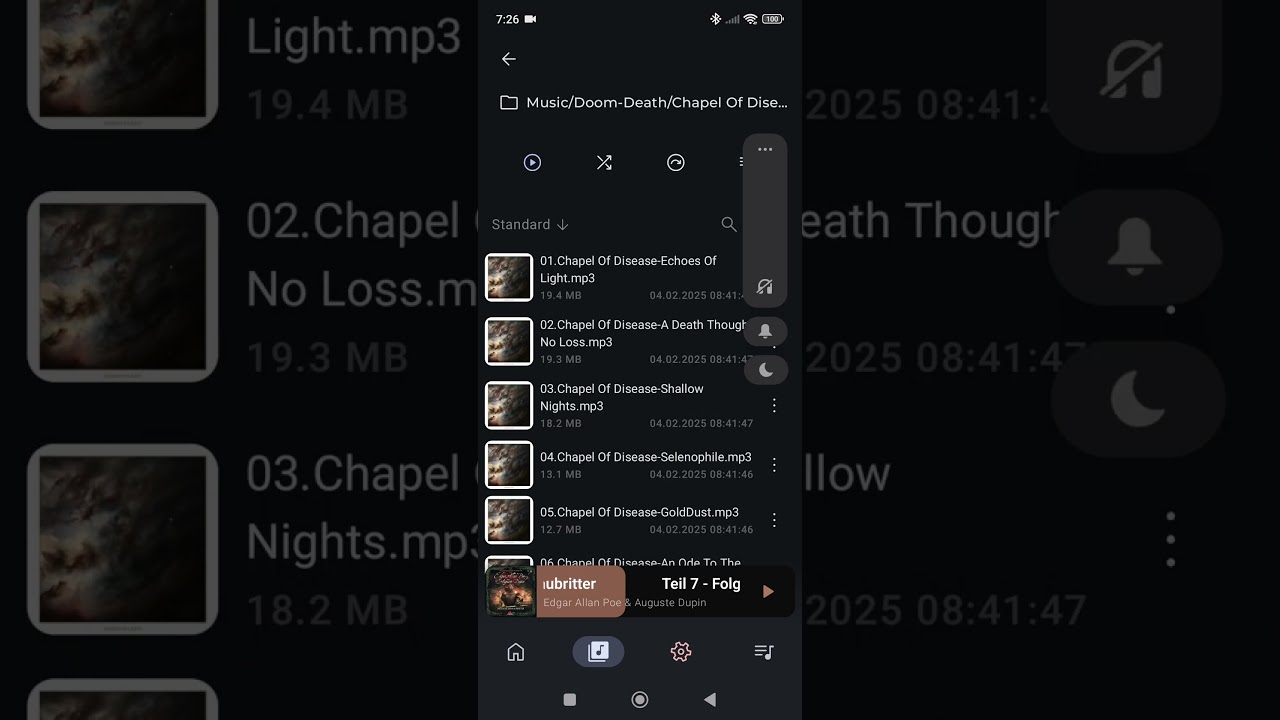
since the october Updates I am missing the delete function on pressing a file/folder in the library/file view.
Maybe it is just moved.
Logs are newly provided, at least I hope so.
Many thx
Tolriq
November 22, 2025, 11:53am
9
The logs contains a full sync and hard to read, I can’t reproduce anymore.
Make a video of exactly what you do with the logs enabled.
Sirjack
November 23, 2025, 6:22am
10
Here is the requested Video
Tolriq
November 23, 2025, 9:07am
12
How did you add the sources ? Can you check if your OS have not reseted the permissions of the app ?
Sirjack
November 23, 2025, 11:54am
13
Here is a screenshot showing the given permissions for Symfonium. Files are stored on the mobile device. Files transfer to the device via USB cable connected to PC and the device. Files added to the current playlist using the library/files view.
Tolriq
November 23, 2025, 12:16pm
14
Can you edit the host and remove / add again the source ?
Sirjack
November 23, 2025, 2:13pm
15
Removing/re-adding the source was the solution. Thx for your patience and help. Guess this case can be closed.

 And long press does not open this dialog.