I have gathered some of the best tools and websites that are usually very helpful for finding lyrics for your songs. Here is how you can make the most of them:
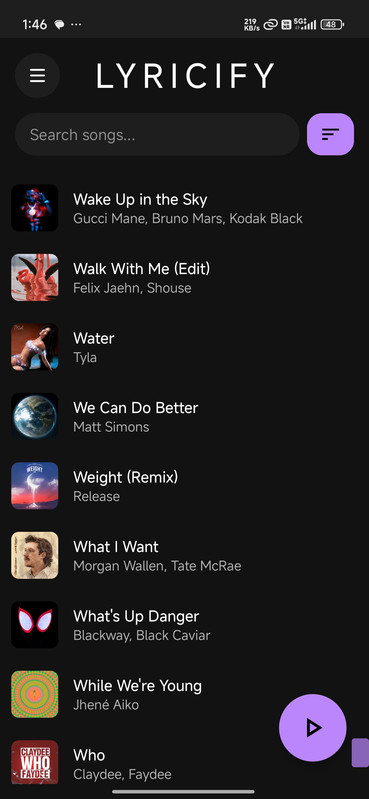
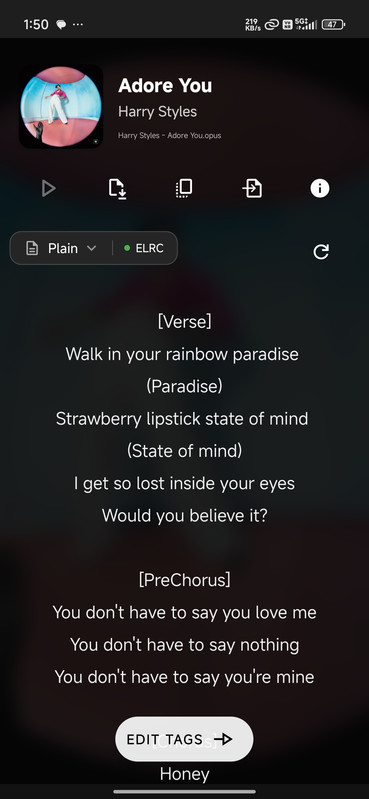
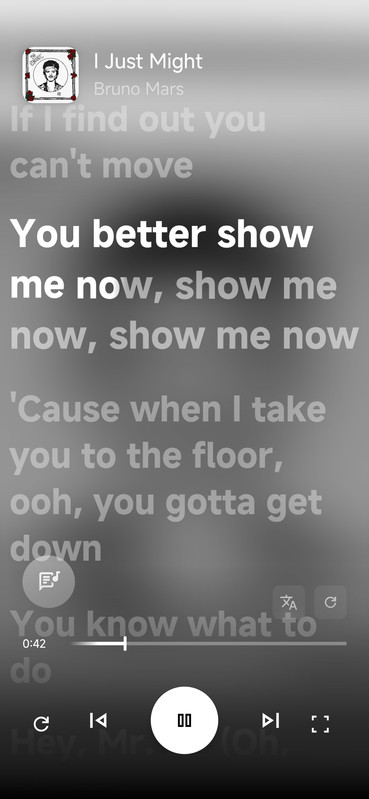
1. Lyricify
This is arguably one of the most complete options if you prefer managing everything from your mobile device. It is a highly efficient open-source project.
Repository: GitHub - Lyricify
Steps to use it:
Download the project from GitHub and install the APK.
Run the app and search for your desired song.
Screenshots:
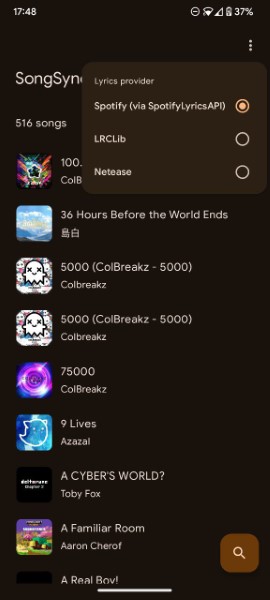
2. SongSync
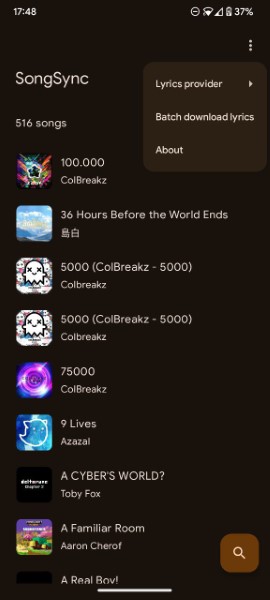
Another great open-source alternative, designed for those who prefer tools that connect to multiple online services simultaneously.
Repository: GitHub - SongSync
What is it?
It is an app (primarily for Android) that scans your library and automatically searches for synced lyrics across various sources.
How to use it:
Download the APK file from the Releases section on GitHub and install it.
Once opened, grant it permission to read your music folder.
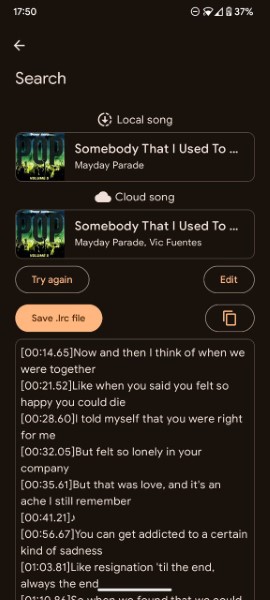
Select the song you are interested in and download the .lrc file directly.
Screenshots:
3. LRCLib
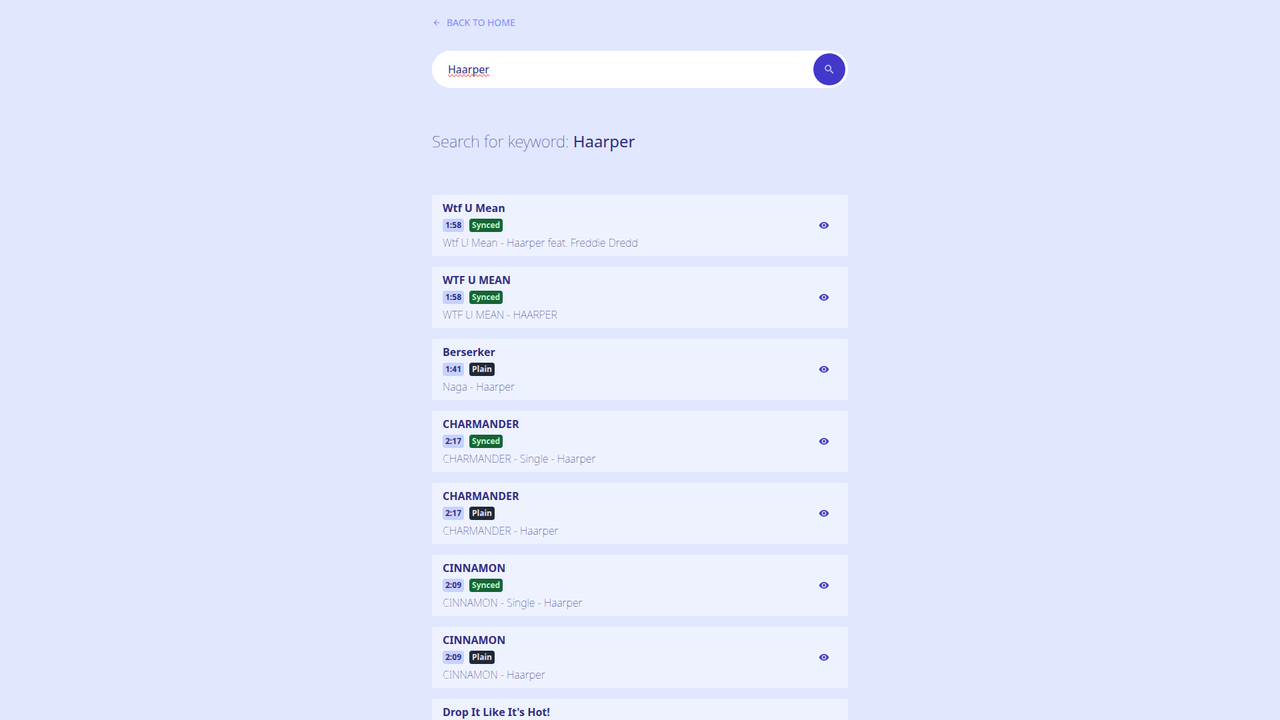
If you don’t want to install anything and need something fast from your browser, this is my personal recommendation. It is a massive and very clean database.
Website: lrclib.net
How it works: Simply visit the site, type the song name in the search bar, and copy the lyrics.
4. SimpMusic Lyrics
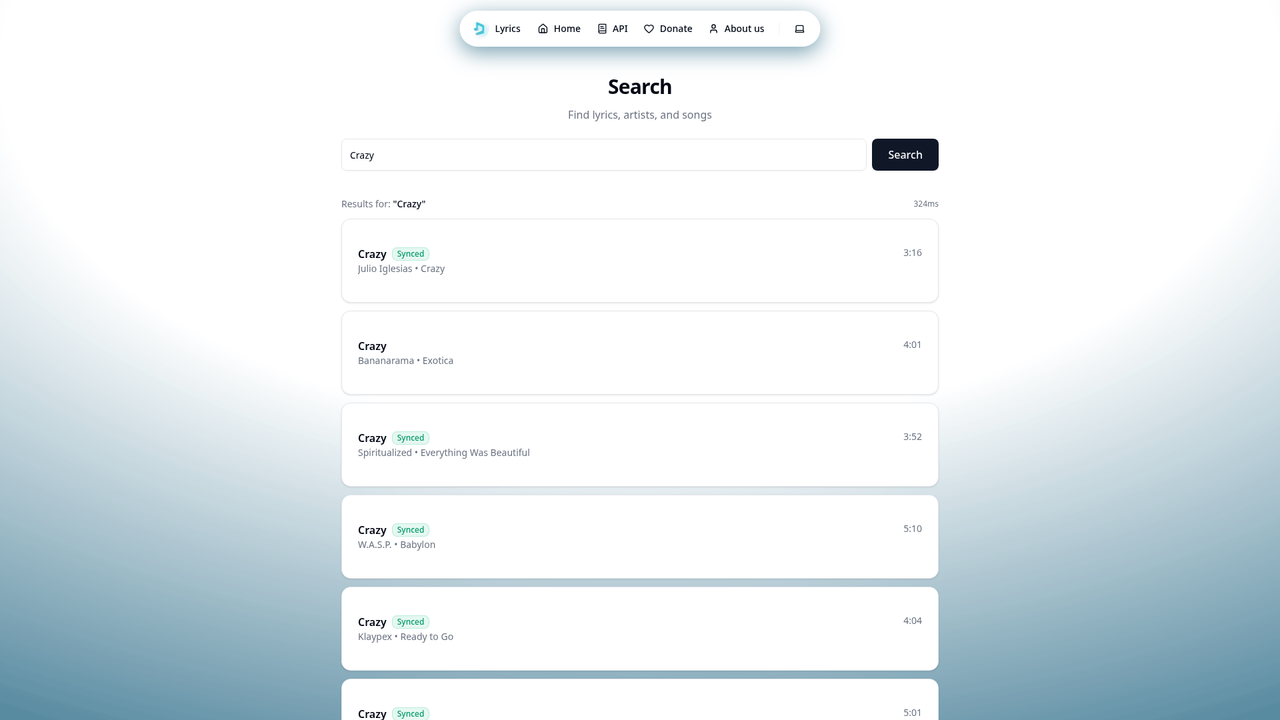
A minimalist and modern option, ideal if you are looking for a clean interface.
Website: lyrics.simpmusic.org
Usage: Simply search for the artist or the song. If the synced file is available, it will allow you to copy the lyrics or download the LRC.
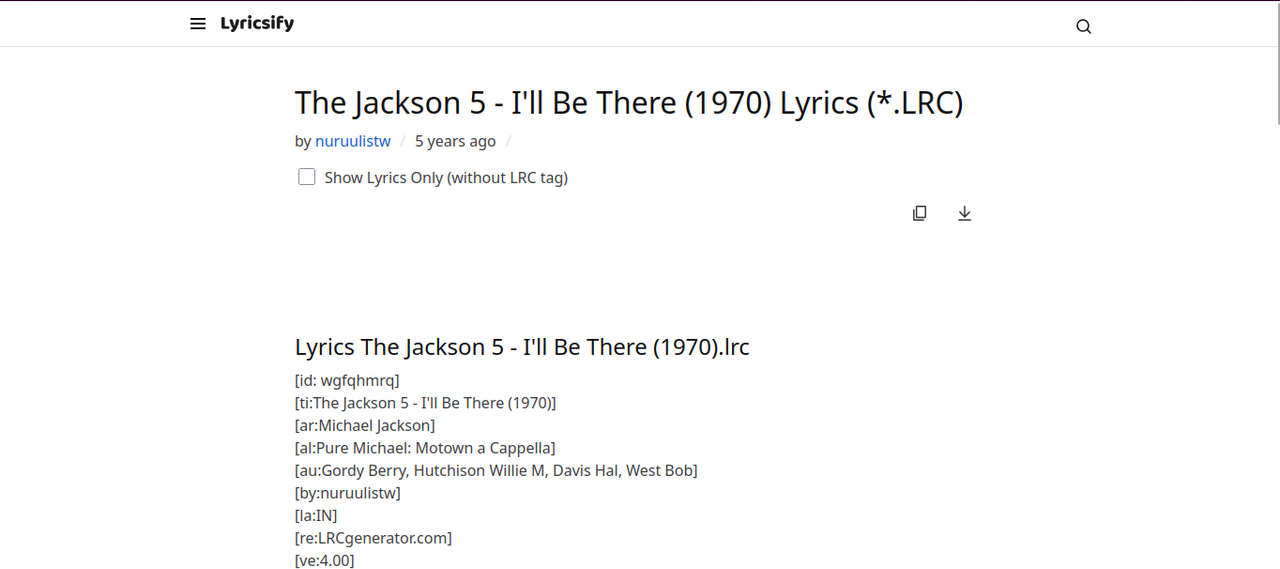
5. lyricsify
A classic site that has been running for years and perfectly delivers on its promise for quick individual downloads from the browser.
Website: lyricsify.com
Instructions:
Search for your song in the main search bar.
On the results page, select the song and look for the “Download LRC” button.
Save the file and you’re done.
I hope these tools are useful to you. Please excuse any minor errors, as English is not my native language, but I hope the information is clear!